
Professional Headshot Retouching: What Should Be Retouched and What Should Stay Natural?
Imagine finally choosing a headshot you love. Your expression feels confident, your shoulders look relaxed, and your outfit fits the professional image you want to present. Then you notice a blemish that appeared yesterday, a strand of hair crossing your eye, or a little shine on your forehead.
Should those details stay because they are real? Or should everything be smoothed until your skin looks flawless?
There is a thoughtful middle ground. Professional headshot retouching should reduce temporary distractions and refine the photograph while preserving your recognizable features, natural skin texture, age, and expression. The goal is a polished portrait that still feels like you when someone meets you in person.
As a headshot, branding, and fine art portrait photographer, I consider retouching part of creating a finished photograph. I also believe you deserve a voice in that process. You should never have to choose between feeling confident in your portrait and recognizing yourself in it.
Whether you are updating a LinkedIn profile in Sarasota, refreshing your company's website in Bradenton, or building a personal brand from Lakewood Ranch, here is how I recommend deciding what to refine and what to preserve.
What is professional headshot retouching?
Professional headshot retouching is the selective adjustment of details within a portrait to improve presentation without unintentionally changing the person's identity. It can include removing temporary blemishes, reducing distracting shine, refining stray hairs, cleaning clothing, and balancing small differences in skin tone.
Editing and retouching overlap, but they serve different purposes. Basic editing establishes the overall photograph through exposure, color balance, contrast, cropping, and background treatment. Retouching addresses specific details, such as one spot on a cheek or lint on a jacket.
Neither process automatically means heavy alteration. A carefully finished headshot can look entirely natural. The question is whether the adjustments support the person and the intended use of the image.
For an overview of the session itself, explore my professional headshot photography page. Lighting, posing, expression, and retouching work together; none should be expected to carry the entire portrait alone.
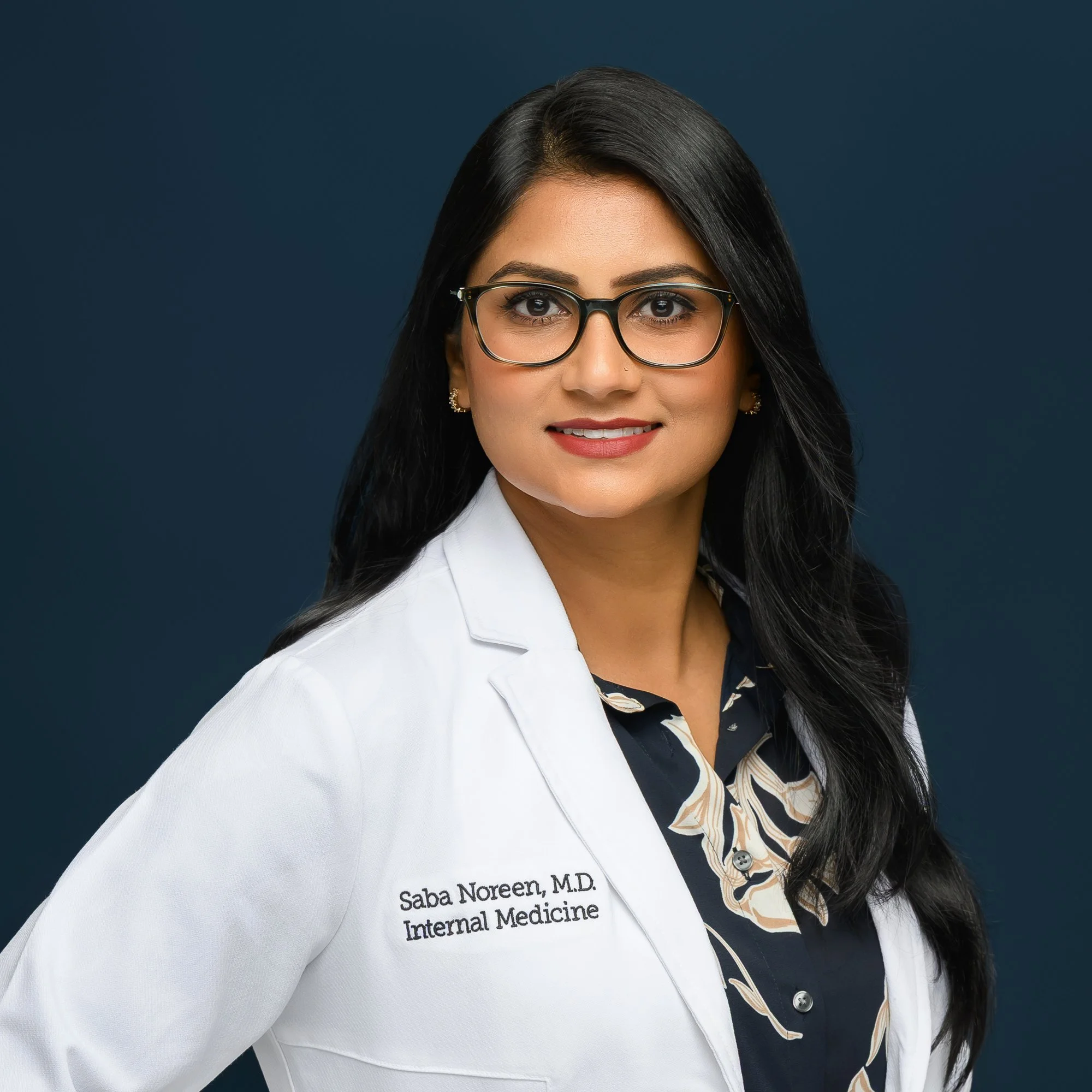
What should be retouched in a professional headshot?
I start with a practical question: is this detail part of your everyday appearance, or is it a temporary distraction that happens to be visible today? That distinction helps guide the conversation, although it should never replace your preferences.
Temporary blemishes and small distractions
A pimple, a small shaving nick, or a temporary scratch can draw attention away from your expression. Removing these details is usually a reasonable request. It allows the portrait to represent you beyond one unusually inconvenient skin day.
Permanent marks need a different conversation. A mole is not simply another blemish. A scar may be meaningful, familiar, or something you prefer to soften. I recommend naming these preferences clearly rather than assuming every visible mark should disappear.
Excess shine and uneven color
Studio lights can reveal shine on the forehead, nose, or cheeks. Gentle reduction can keep bright areas from competing with your eyes. The aim is to retain the way light describes your face, including natural highlights that give it dimension.
Small areas of temporary redness or makeup inconsistency may also benefit from attention. However, evening out color should not mean changing your complexion. Natural variations in skin tone belong in a believable portrait.
Stray hairs and grooming details
A single hair crossing an eye can be distracting. So can loose strands caught against a clean background. Selective cleanup helps, especially when the image will appear large on a website or printed display.
Hair also needs believable edges. Removing every flyaway can create a cutout effect, and changing a hairline or filling in thinning areas can alter how someone looks. Those requests require discussion. Curls, texture, gray hair, and the natural shape of your hairstyle should remain recognizable.
Clothing and background cleanup
Lint, a small stain, a distracting thread, or a minor fabric crease may be appropriate to retouch. Background spots and unnecessary visual distractions can often be refined as well.
More extensive clothing repairs are different. Rebuilding a jacket, moving a neckline, or replacing an entire outfit may require additional work and may not produce a convincing result. Good preparation still matters. Retouching is most effective when the clothing already fits and photographs well.
Subtle refinement around the eyes and smile
Eyes should feel alert and clear, with their natural shape and color intact. Gentle attention to temporary redness or distracting shadows may be helpful. Teeth can sometimes be subtly brightened when lighting or color casts make them appear unusually yellow.
The limits matter. Eye whites should not become bright white patches, and teeth should retain believable color and detail. Enlarging eyes, replacing teeth, or rebuilding a smile changes the person rather than simply finishing the photograph.

What should stay natural?
My guiding principle is recognition. Your headshot should support an introduction to the person someone is actually going to meet.
Skin texture and the character of your face
Pores, fine lines, and small variations in texture make skin look like skin. Removing all of them can produce a waxy finish, especially when a portrait is viewed at a larger size.
A face also has natural light and shadow. Aggressive smoothing can flatten those transitions and make the photograph less dimensional. Good skin retouching reduces distracting inconsistencies while preserving realistic detail.
Age and expression
Smile lines belong to a smile. Lines around the eyes may communicate warmth and experience. Reducing a particularly strong shadow is different from removing every sign of age.
For an executive, attorney, consultant, or healthcare professional, a portrait can communicate confidence without making the person look decades younger. Your expression should remain yours, including the small asymmetries that make it feel human.
Facial proportions and body shape
I do not recommend treating routine headshot retouching as an opportunity to reshape a nose, enlarge lips, narrow a jaw, or slim a body. These are structural changes, and they deserve an explicit conversation rather than a silent assumption.
Often, a concern is better addressed during photography. Camera position, posture, lighting, and lens choice influence how facial proportions appear. If you dislike the perspective in a photograph, choosing a better frame is usually more convincing than extensively reshaping it afterward.
Skin tone and identifying features
Freckles, birthmarks, scars, tattoos, and gray hair can be important parts of how you recognize yourself. Your skin tone should be rendered accurately rather than lightened or darkened to match someone else's idea of polish.
There is no universal list of features that everyone must keep or remove. My default is to preserve identity and discuss sensitive changes. Your preferences matter, and they should be understood before detailed work begins.
A practical comparison of natural and excessive retouching
Temporary blemish
Natural refinement: Remove a short-lived spot
Avoid as a default: Remove permanent marks without asking
Skin
Natural refinement: Reduce uneven patches and retain texture
Avoid as a default: Blur pores and flatten the face
Under-eye area
Natural refinement: Soften a distracting shadow
Avoid as a default: Erase anatomy or all signs of age
Hair
Natural refinement: Remove a strand crossing an eye
Avoid as a default: Redesign hairline or hair texture
Teeth and eyes
Natural refinement: Make restrained color corrections
Avoid as a default:Create glowing whites or change shapes
Clothing
Natural refinement: Clean lint and minor distractions
Avoid as a default:Rebuild outfit or body without agreement
Complexion
Natural refinement: Correct unwanted lighting color casts
Avoid as a default:Change natural skin tone
The same adjustment can be appropriate in one portrait and excessive in another. The strength of the effect, the image's purpose, and your preferences all matter.
Why lighting and posing come before retouching
The best starting point is a well-created photograph. Retouching cannot reliably recover an authentic expression that was never captured, and extensive digital repair can be a poor substitute for careful preparation.
I use the session to address posture, facial angle, clothing placement, and expression. A small adjustment to how you turn toward the light can make a greater difference than a long list of requests afterward.
Glasses are a good example. Reflections may hide the eyes, and removing them later can require reconstructing detail. Adjusting the lighting and angle during the session is often the more dependable solution. Bring the glasses you normally wear so we can plan around them.
On the Florida Gulf Coast, humidity can affect hair and shine, especially when an outdoor setting is part of the session. Allowing time to settle in, bringing a comb, and checking grooming before photographing each look can reduce avoidable distractions.
These preparations are also useful for personal branding photography, where multiple outfits and wider compositions reveal more of the scene.
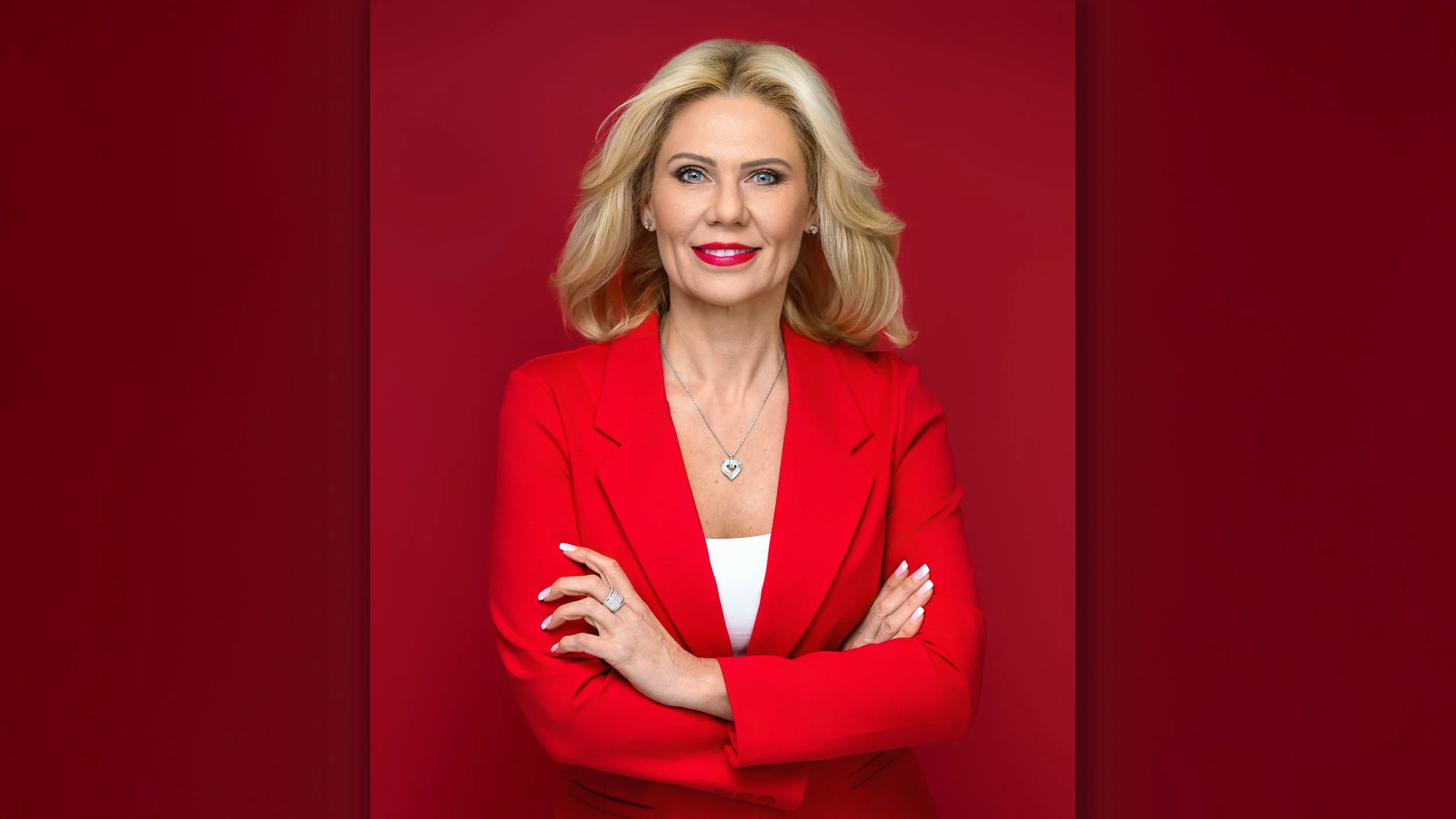
How to communicate your retouching preferences
You do not need to know editing software or use technical vocabulary. Clear descriptions are more useful than a general request to “make me look better.” Here is the plan I recommend.
Step 1 Choose the purpose of the headshot
Tell your photographer where the portrait will appear. A LinkedIn profile, law firm directory, speaker biography, and large office display may require different crops and delivery sizes. They all benefit from accurate, recognizable appearance.
For broader business photography, consider how the headshot will sit beside your other branding images. Consistent color and finishing help the photographs work together.
Step 2 Identify what you want preserved
Say which features are important to you. For example: “Please keep my freckles and smile lines. I would like the temporary blemish on my chin removed.”
That is a clear, usable instruction. If you are uncertain about a scar or under-eye shadows, ask to discuss a subtle approach. You can request refinement without committing to complete removal.
Step 3 Separate expression choices from retouching requests
Choose the portrait whose expression and posture you like best. Then identify small details that need attention. Avoid choosing a frame you dislike because you hope extensive retouching will transform it.
A relaxed smile in one image may suit you better than an awkward smile in another, even if the second has fewer visible skin distractions. Start with the stronger photograph.
Step 4 Give specific notes on the selected image
Use the image number and describe the location of the issue. “Image 6: remove the small thread on the right jacket lapel” is easier to interpret than “fix my clothes.”
A useful short brief might read: “Keep my natural face shape and skin texture. Remove temporary blemishes and lint. Reduce forehead shine slightly. Please ask before changing permanent features.”
Step 5 Review the final portrait at useful sizes
Check the finished photograph at a normal viewing size and at the size where it will be used. A tiny profile thumbnail can conceal over-smoothing that becomes obvious in a larger website portrait.
Ask about the revision process and which adjustments are included before the work begins. Routine finishing, extensive reconstruction, and additional versions may have different scopes. Clear expectations help everyone.
What changes for corporate teams and personal brands?
For corporate headshots, consistent finishing helps a team page feel organized. Matching background tone, exposure, crop, and overall contrast is useful. Making every person look the same is not.
A written team brief can specify natural skin texture, restrained shine reduction, temporary blemish removal, and a common delivery format. Individuals should still have an opportunity to identify permanent features they want preserved.
My article on how often your company should update team headshots can help you plan ongoing updates. The same finishing approach should be available for new hires so the website remains cohesive.
For an entrepreneur or personal brand, consistency extends across headshots and working portraits. A highly smoothed headshot can look disconnected from natural lifestyle images. My guide to how many looks to plan for a branding session helps connect wardrobe variety with the images your business needs.

Common headshot retouching mistakes to avoid
Asking for flawless skin without explaining what natural means to you. Discuss texture and recognizable features instead.
Using someone else's face as the retouching target. Reference images can communicate lighting or mood, but your features should guide your portrait.
Removing every line, shadow, and flyaway. Those details contribute to believable skin, hair, and facial dimension.
Adding a beauty filter after professional delivery. It can undo careful color and texture work and create inconsistent versions across platforms.
Expecting retouching to solve poor focus or an uncomfortable expression. Choose a strong original photograph first.
Ignoring clothing preparation because editing is available. Well-fitting, clean clothing gives us a better starting point.
For more preparation advice, read common mistakes in headshots and how to avoid them.
Does natural retouching mean the same thing for every portrait?
The purpose of the photograph shapes the finish. A business headshot prioritizes professional recognition. An expressive fine art portrait may invite a more interpretive treatment through color, mood, and texture, with the creative direction agreed in advance.
You can see that different intention in my Black Label fine art portraits. Artistic finishing belongs to a planned aesthetic; it should not become the automatic standard for every business portrait.
The same respect for identity applies to family portraits and senior portraits. Temporary distractions can be refined while preserving the people and life stage being documented.
For maternity portraits and newborn photography, preferences may involve different details. Those conversations deserve care and should reflect the family's wishes rather than a blanket expectation of perfect skin.
Frequently asked questions
Should professional headshots be retouched?
Usually, some finishing is helpful. Exposure, color, temporary distractions, and clothing details may need attention. The amount should suit the photograph while preserving identity. Retouching does not require reshaping your face or removing all texture.
Can you remove acne while keeping skin natural?
Yes. Selective work can address individual blemishes and uneven areas while retaining surrounding texture. A broad blur over the entire face is more likely to create an artificial appearance. Explain whether you want only temporary spots addressed or a wider refinement.
Should wrinkles be removed from a business headshot?
I recommend preserving the character of your face. Some strong shadows or temporary creases may be softened, but complete removal can change your apparent age and expression. Discuss the degree of refinement rather than assuming every line should vanish.
Can glasses glare be retouched?
Sometimes, depending on how much detail is visible behind the reflection. Large reflections covering the eyes are harder to repair convincingly. It is better to address glare through lighting and angle during photography whenever possible.
Is an AI retouching filter the same as professional retouching?
Automated tools can make useful adjustments, but a filter may also change skin texture, eye shape, or proportions without understanding your preferences. Regardless of the software used, the important safeguards are selective decisions, careful review, and a recognizable result.
Can I request no skin retouching?
Absolutely. Tell your photographer in advance. You may want exposure and color editing, background cleanup, or clothing corrections while leaving skin untouched. Specify what “no retouching” means so the finishing matches your wishes.
How much does professional headshot retouching cost?
It depends on the photographer's package and the scope of the request. Ask whether selected final images include routine retouching, how revisions work, and whether extensive alterations cost extra. A price alone does not explain the level of finishing.
How do I know if my headshot is over-retouched?
Look for missing texture, unusually white eyes or teeth, distorted clothing edges, and proportions that differ from your current appearance. Then ask whether you recognize your usual expression. If the portrait feels unfamiliar, request a more restrained version.
Key takeaways
Refine temporary distractions, such as blemishes, lint, stray hairs, and excess shine.
Preserve skin texture, natural complexion, expression, and recognizable features.
Discuss permanent marks and structural changes before retouching begins.
Choose strong lighting, posture, and expression before making finishing requests.
Give specific notes and review the final portrait at its intended viewing size.
Plan a headshot that feels like you
You should feel comfortable sharing your professional portrait, whether it appears beside a proposal, on a company website, or in your next introduction. A clear plan can remove the uncertainty about preparation, image selection, and retouching.
At my Lakewood Ranch studio, I help professionals think through the look and purpose of their headshots. I serve Sarasota, Bradenton, Venice, Tampa, and surrounding Florida Gulf Coast communities, with options for individual headshots and business imagery.
Schedule a consultation with Sylwia Ok Photography to discuss your goals and retouching preferences. We can plan a portrait that presents you confidently and preserves the features that make you recognizable.
About Sylwia Ok
Sylwia Ok is a Master Photographer and Certified Professional Photographer, and the owner of Sylwia Ok Photography. She specializes in headshots, personal branding, and fine art portraits, bringing careful lighting, posing guidance, and thoughtful finishing to portraits for business and home.
Her studio is located in Lakewood Ranch, Florida, serving clients throughout Sarasota, Bradenton, Lakewood Ranch, Venice, Tampa, and surrounding Gulf Coast communities. Schedule a consultation to plan professional headshots, branding photography, or a custom portrait experience.
keywords: professional headshot retouching, natural headshot retouching; business headshot editing; professional portrait retouching; headshot skin retouching; LinkedIn headshot retouching; corporate headshot retouching; over-retouched headshots; Sarasota headshot photographer; Lakewood Ranch headshot photography.
