
Picture your website designer asking for a wide photograph for your homepage. You open your favorite portrait, upload it, and discover that the headline covers your face. On your phone, the crop removes your hands and half the setting. The photograph is beautiful. It simply was not created for that job.
This is why I believe a branding session should begin with your website, your audience, and your next business goal. You need photographs that help someone understand what you do, feel comfortable with you, and take the next step.
A brand photography shot list is a written plan connecting each image to a message, website placement, and intended format. The essentials include homepage hero images, recognizable headshots, working portraits, service demonstrations, client interactions, team images, details, and photographs near your calls to action.
I’m Sylwia Ok, a Master Photographer and Certified Professional Photographer with a studio in Lakewood Ranch, Florida. I create headshots and personal branding photography for professionals across Sarasota and the Florida Gulf Coast. Here is how I would approach a website image library, with a practical plan you can bring to your consultation.
What makes website photography support conversions
A conversion is a meaningful action, such as requesting a consultation, booking an appointment, or submitting an inquiry. Your photography should support that action by answering the questions people bring to your website.
Who will I work with? What do they actually do? Does this experience feel right for me? What happens if I contact them?
A thoughtful image can make an unfamiliar business feel more understandable. It can show the care behind a service or introduce the person a visitor will meet. Photography cannot guarantee bookings. Your offer, copy, pricing, navigation, page speed, and follow-up also influence results.
My goal is to create images that belong beside your message. A portrait communicating quiet confidence might suit an attorney’s biography. A collaborative scene may explain a consultant’s process more clearly than another photograph at a laptop.
Start with your pages before choosing poses
Before planning outfits, write down the pages your website needs and the action each page should encourage. Bring your current website or design draft, brand colors, and a short description of your ideal client.
For example, a Sarasota consultant might need a homepage that encourages discovery calls, an About page introducing her expertise, two service pages explaining different offers, and a contact page that makes the first conversation feel easy.
That structure tells us what to photograph. It also helps us avoid creating twenty similar portraits while missing the one image needed to explain a service.
A simple website image map
Homepage
Essential photographs - Wide hero and clear service scene
Purpose - Introduce the business and its promise
About page
Essential photographs - Signature headshot and environmental portrait
Purpose - Help visitors recognize and understand you
Service pages
Essential photographs - Demonstrations and client interactions
Purpose - Explain what the experience involves
Team page
Essential photographs - Consistent headshots and collaboration
Purpose - Show who delivers the work
Contact page
Essential photographs - Welcoming portrait or arrival scene
Purpose - Support the next conversation
Blog and resources
Essential photographs - Details and educational scenes
Purpose - Illustrate useful advice
The essential brand photography shot list
1. Homepage hero images with room for your message
Your hero image is the prominent photograph near the top of a page. It should support your main headline without competing with it.
I plan generous space around the subject and consider where the designer will place text. We may create one version with you on the left and another with you on the right. A clean background gives the layout flexibility without forcing a headline over a busy scene.
Ask your designer for the actual image container proportions. A wide desktop banner may need a separately composed mobile photograph. Trying to force one tight portrait into every layout often creates awkward crops.
Shot list: a horizontal hero, an alternate composition with opposite text space, and a vertical option. Keep important details away from crop edges, and check text contrast in the finished design.

2. A signature headshot that looks like you
Your website needs a clear, current portrait visitors can connect with your name. Direct eye contact and a natural expression can make this image especially useful on an About page, author bio, or professional directory.
I pay attention to posture, chin position, shoulders, and the way light shapes your face. Those small decisions affect whether a portrait feels comfortable and confident. You do not need to arrive knowing how to pose.
Plan a polished expression and a warmer alternative. Leave enough room for a square crop or circular profile display. Explore my professional headshot photography if your first priority is an updated professional portrait.

3. An environmental portrait that adds context
An environmental portrait shows you within a meaningful setting. Your office, studio, workspace, or consultation area can explain something a plain background cannot.
Choose a setting that reflects the business clients will actually encounter. A luxury setting has little value if it misrepresents your experience. A tidy, modest workspace can communicate care and professionalism beautifully.
For a Lakewood Ranch business owner, the right location may be a quiet office rather than a recognizable waterfront. I choose the setting for its relevance, available light, and visual distractions, then compose a portrait that still keeps attention on you.

4. Working photographs showing your expertise
These images answer the practical question of what you do all day for your clients. Show meaningful actions: reviewing plans, preparing materials, explaining options, or creating something with your hands.
I prefer a specific task over a vague performance of “being busy.” A designer reviewing fabric samples tells a clearer story than someone smiling at a closed laptop.
Photograph the same activity in a wide view, a medium composition, and a close detail. This creates variety across service pages and educational content without requiring a different location for every image.

5. Client interactions that make the experience understandable
People often want to know what working with you will feel like. A consultation scene, collaborative review, or welcoming conversation can make an unfamiliar process easier to imagine.
Use people who have agreed to participate and confirm permission for commercial website use. If a colleague or model represents a client, avoid captions that suggest an actual customer relationship or endorsement.
Keep confidential information off screens and documents. For sensitive services, consider a scene showing your preparation or an interaction photographed without identifying the other person. The image should explain your approach while respecting everyone involved.

6. Service specific images for each important offer
If your business has three distinct services, your website needs a way to distinguish them visually. One repeated portrait cannot explain every offer.
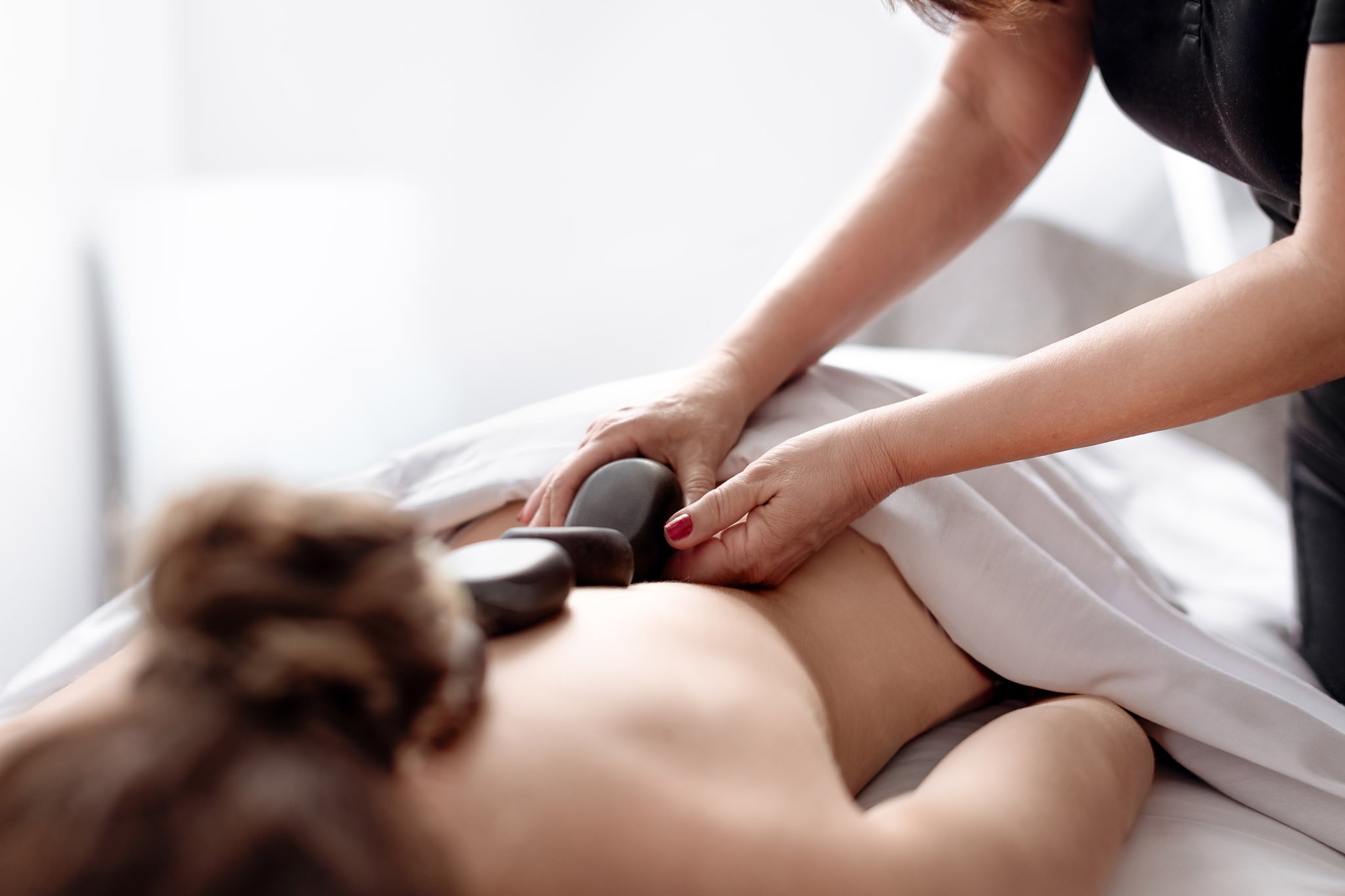
For a wellness business, one scene might show a conversation and another a demonstration of an appropriate service. A creative professional might show planning, production, and the finished deliverable.
For my own website, family portraits, fine art portraits, and business imagery need different visual stories. The same principle applies to senior portraits, maternity photography, and newborn photography: each page should show the experience its reader is considering.
Those are examples of purposeful service imagery. Your brand session should focus on the services you sell and the questions your customers need answered.
7. Team headshots and genuine collaboration
When clients work with a team, introduce the people behind the service. Consistent lighting, background, framing, and retouching help individual portraits feel like part of one organization.
Add a group portrait or a collaborative scene when it explains how the team works. Consider future hires while choosing the setup, so new portraits can fit the existing page.
My corporate headshot options are a starting point for this conversation. For ongoing planning, read how often your company should update team headshots.

8. Details that make your work specific
Tools, materials, hands, packaging, and a carefully prepared workspace can add useful context. These photographs also give a designer visual breathing room between sections dominated by faces.
Choose details that say something about your work. A generic coffee cup may be attractive, but a marked-up design, a finished product, or an organized preparation station is often more informative.
I look for details that remain recognizable at small sizes. Remove unrelated branding and clutter before photographing, and avoid making a decorative image carry information that belongs in your website text.

9. Evidence of your work and finished results
Where your service produces something visible, show it clearly. A finished space, crafted product, printed publication, or completed project can help explain what a client receives.
Describe the work accurately and secure appropriate permission before publishing. A photograph placed near a testimonial should have a truthful relationship to the text. Do not pair a model’s portrait with a review in a way that suggests the model wrote it.
For services with less visible outcomes, a clear process image may be more honest and useful than an implied transformation. Photography should support your evidence without overstating what your business can promise.
10. A welcoming image near the next step
A contact page can feel impersonal when it contains only a form. A warm portrait, consultation setting, or welcoming entrance can help visitors picture the next interaction.
Choose an expression and setting that fit the actual experience. If the first step is a phone consultation, an approachable portrait may be more relevant than a photograph of an office clients never visit.
Leave the button and important instructions as live website elements. They should stay readable, accessible, and easy to update. An image can support a call to action, but it should not be the only place that action appears.

Turn the shot list into a manageable session plan
Step 1 Choose one business goal and define the audience
Tell me whether you are launching, replacing an outdated website, or introducing a new service. Then describe the people you want to reach and what may make them hesitate to contact you.
We can use those answers to prioritize the photographs that explain your business most clearly. A larger gallery is useful only when its variety serves a purpose.
Step 2 Rank the images by importance
Mark every photograph as essential or optional. Start with homepage, About, main service, and contact needs. Then add secondary services, team content, and details as the scope allows.
For a modest service website, I might begin planning around 15 to 25 distinct finished images. That is a planning range, not a package inclusion or a requirement. The right number depends on page count, offers, people, and how much you can reuse strategically.
Step 3 Coordinate wardrobe and locations
Choose outfits that fit the work and complement the website palette. Include variety without changing your visual identity in every scene. Try complete outfits before the session, including shoes and accessories.
My guide to planning looks for a branding session can help you think through wardrobe. Group scenes by location and outfit to reduce time spent changing or moving equipment.
Step 4 Prepare the practical details
Confirm who will appear, which props are needed, and whether the location permits commercial photography. Build time for setup, transitions, and unexpected delays.
For outdoor sessions around Bradenton, Venice, or Tampa, discuss weather, shade, and a backup location. A Florida Gulf Coast setting can add local character when it fits your audience. It should not distract from your message or imply an office location you do not have.
Step 5 Select images inside the website layout
Review the photographs for usefulness as well as expression. Do you have a genuine service demonstration? Does the hero leave room for copy? Are your team portraits consistent?
Ask your designer to test desktop and mobile crops before final placement. For a broader session built around these needs, explore my personal branding and business photography.
Common mistakes that leave gaps in your image library
Photographing before reviewing the website plan. You may miss important formats or service scenes.
Choosing every image from one pose. Similar portraits add little flexibility across several pages.
Overusing generic props. Specific tools and actions explain your expertise more clearly.
Forgetting mobile crops. A desktop composition may lose its meaning on a smaller screen.
Overprocessing faces. Consistent finishing should preserve recognizable features and natural texture.
Skipping permissions and usage discussions. Confirm intended website, advertising, and other commercial uses before publishing.
For more about my approach to finishing portraits, read what professional headshot retouching should preserve.
Publish your brand photographs thoughtfully
Use descriptive filenames and alt text that explains meaningful image content. “Consultant reviewing a project timeline with a client” is more useful than a string of city names. Add location only when it is accurate and relevant. Decorative images may need empty alt text.
Have your designer export appropriately sized files, compress them, and test the site on a phone. Keep essential explanations in live text, where visitors and search systems can read them. Clear headings and useful captions also make the relationship between an image and your service easier to understand.
After launch, track relevant actions such as consultation requests. Compare performance in context, including changes to traffic, offers, and copy. A before-and-after change alone does not prove photography caused the result.
Frequently asked questions
What is the difference between headshots and branding photography
A headshot introduces your face. Branding photography builds a broader library showing your work, setting, process, personality, and services. Many websites need both.
How many brand photographs does my website need
Begin with page needs rather than a fixed total. My suggested 10 to 25 image planning range can suit a modest service website, while teams or multiple offers may require more.
Can one photograph work on desktop and mobile
Sometimes, if the composition allows flexible cropping. A wide hero and a separate vertical option often give your designer more control. Test both layouts before publishing.
Should I choose studio or on location branding photography
Studio photography offers controlled lighting and a clean setting. Location photography shows the environment and process. I recommend choosing according to what your website needs to explain, with a combination when appropriate.
What if I am uncomfortable in front of the camera
You do not need posing experience. I guide posture, expression, and movement, and plan purposeful activities so you have something natural to do during working scenes.
Can I include employees or clients in my brand photographs
Yes, when participation and publication permissions are clear. Confirm commercial use, protect private information, and avoid presenting staged interactions as documented customer experiences.
Will professional branding photos guarantee more inquiries
No. They can support clarity and credibility, but conversions also depend on your audience, offer, copy, website experience, and follow-up. Evaluate photographs as part of the whole website.
How should I prepare for a consultation
Bring your website or draft layout, key services, intended audience, brand colors, and launch timeline. Note missing images and ask your designer for crop requirements. I can help turn those needs into a session plan.
Key takeaways
Build your brand photography shot list around website pages and customer questions.
Prioritize hero images, headshots, service scenes, client interactions, and welcoming contact imagery.
Plan desktop and mobile compositions before the session.
Choose meaningful settings and accurate visual evidence of your work.
Review image variety, permissions, and intended usage before publishing.
Measure inquiries in the context of your overall marketing.
Let us plan photographs your website can actually use
Imagine opening your image folder and knowing which photograph belongs on each page. Your homepage has room for a clear message. Your services are easier to picture. Your About page introduces someone visitors can recognize when they meet you.
That is the kind of practical image library I want to help you create.
Schedule a branding photography consultation with Sylwia Ok Photography. Tell me about your business, your website, and what you want your next client to understand. Together, we can plan photographs that support your message and give your designer useful options.
About Sylwia Ok
Sylwia Ok is a Master Photographer and Certified Professional Photographer, and the owner of Sylwia Ok Photography. A Headshot, Branding and Fine Art Portrait Specialist, she creates professional photography for business and home from her studio in Lakewood Ranch, Florida.
She serves Sarasota, Bradenton, Lakewood Ranch, Venice, Tampa, and surrounding Florida Gulf Coast communities. Schedule a consultation to discuss professional headshots, a personal branding image library, or a custom portrait experience.
keyword: brand photography shot list, website brand photography; personal branding photography; website photography shot list; business branding photos; homepage hero images; professional website photos; Sarasota branding photographer; Lakewood Ranch branding photography; corporate headshots; business photography Florida Gulf Coast.
